

Download the hiessēnce App
Download the hiessēnce App from the Apple App Store or Google Play Store.

Master your environment with our simple guides, designed to help you get the most out of your hiessence scenting experience.
Step-by-step manuals and resources for our complete range of smart diffusers.
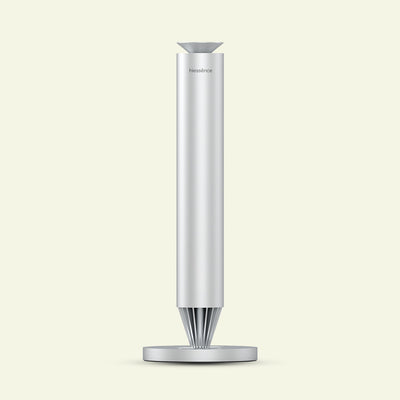
A compact, refined diffuser with precise cold-air scent projection for medium spaces.
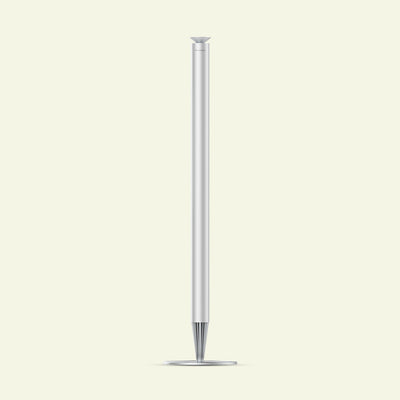
A commanding, large-space diffuser with brushed-steel design for executive interiors up to 300 sqm.
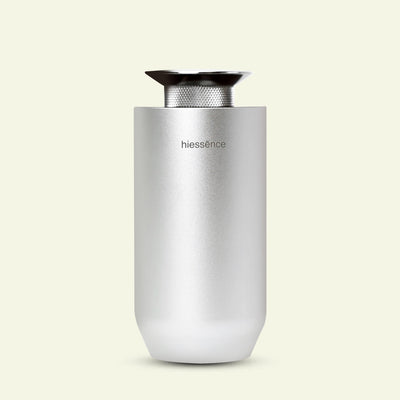
A minimalist, sleek portable diffuser designed for mobility.
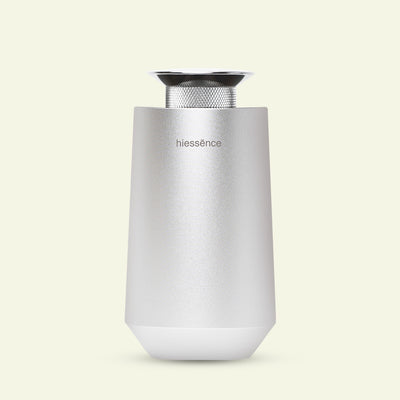
A modern car diffuser designed for SUVs, vans, and larger vehicle interiors.
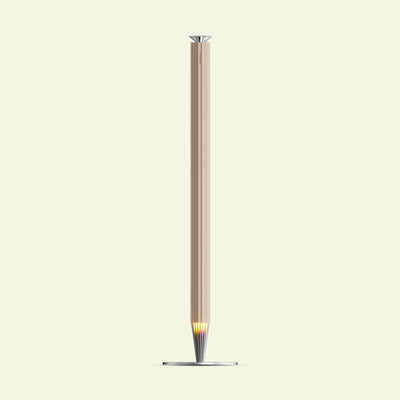
A refined large-space diffuser in golden finish, designed for hallways, lobbies, and lounges (150–300 sqm).
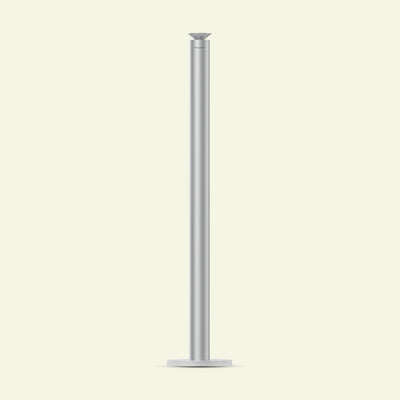
A minimal, matte-silver cylindrical diffuser with flared-top design for spaces up to 150 sqm.
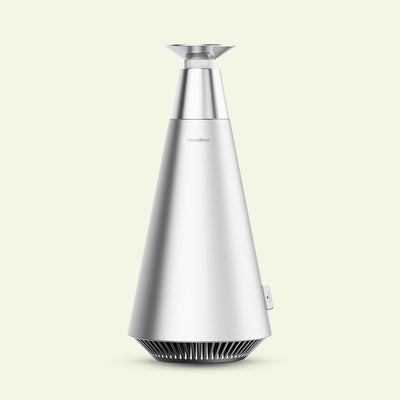
A bold, cone-shaped diffuser designed as a focal point for spacious, open areas.
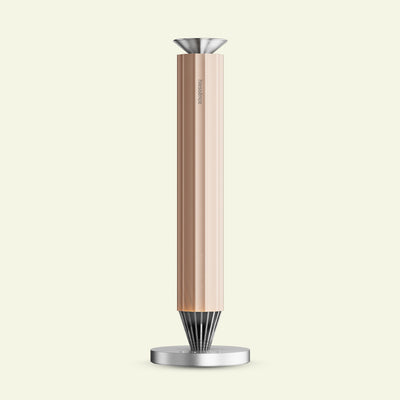
A personal-scale, gold-finish smart diffuser with ambient lighting and app control for desks, rooms, and workspaces.
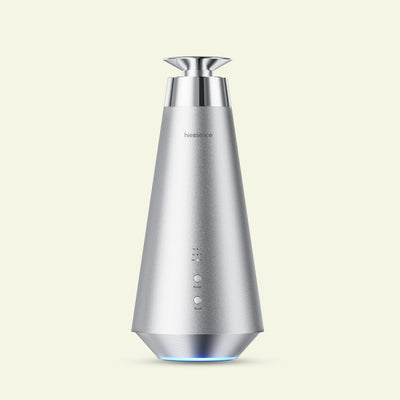
A compact, intimate diffuser for bedrooms, studies, and cozy spaces.
Control your hiessēnce diffuser conveniently using the hiessēnce App.
Download the hiessēnce App from the Apple App Store or Google Play Store.


Connect using the hiessēnce App.

*To include: Aura Ultra, Summit/Lite, and Peak
If your diffuser cannot be detected:
Step-by-step usage instructions and resources for our entire range of aroma oils.
Gain access to exclusive offers and perks, apps and services, world-class customer support and more.
LEARN MOREWatch our helpful videos to get the most out of your hiessence products.
WATCH NOWIf you're looking for a replacement part, visit the Replacement Parts page to find what you need.
FIND PARTS
Whether you have a question about setting up your smart diffuser or need advice on choosing the perfect scent oil, our team is ready to assist.
SEND US AN E-MAIL
